
ADVERTISEMENT
ADVERTISEMENT
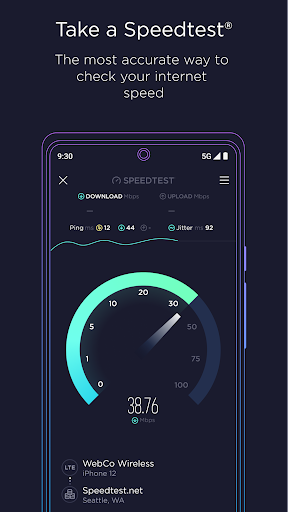
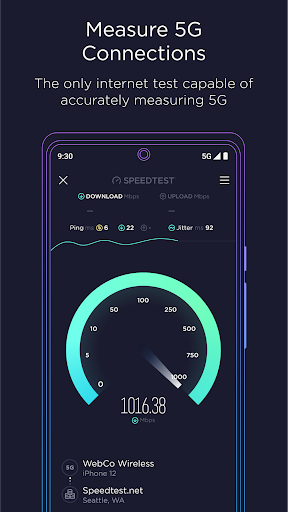
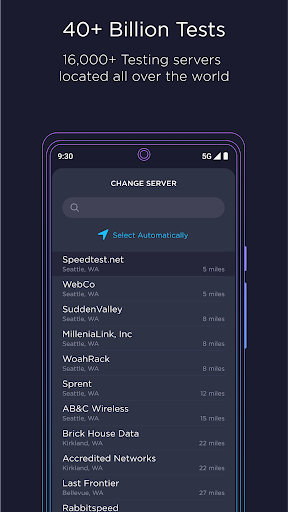
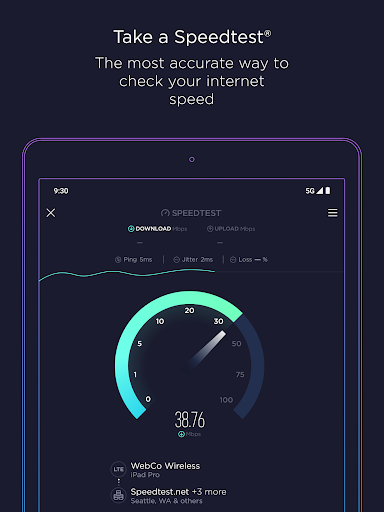
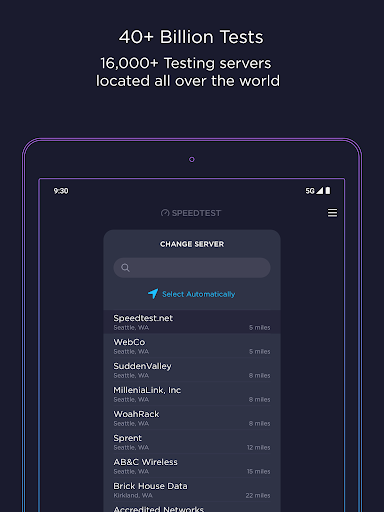
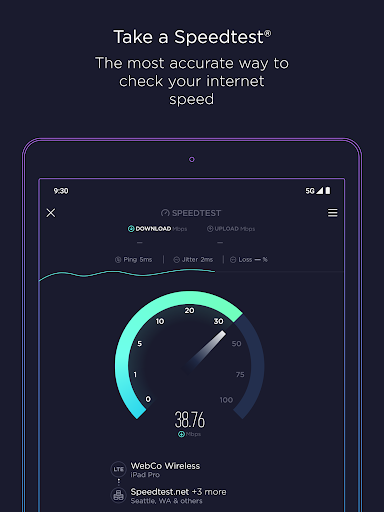
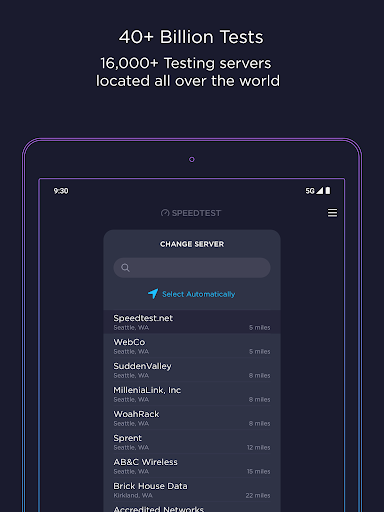
In an age where connectivity is paramount, the Speedtest by Ookla app emerges as an indispensable tool for anyone reliant on internet access. With over 55 billion tests conducted globally, the app has earned its reputation as a reliable solution for analyzing internet performance, whether it's through WiFi or cellular networks. The combination of its user-friendly interface and extensive network of servers allows users to perform swift speed tests, assess bandwidth, and troubleshoot issues effectively. Recently, Speedtest by Ookla has integrated Downdetector functionality, enabling real-time monitoring of online applications and services, transforming it into a comprehensive platform for managing connectivity challenges. Its availability on both Android and iOS makes it accessible to a wide user base, ensuring that staying connected is just a download away.
1. User-Friendly Interface: The Speedtest by Ookla app is designed with ease of use in mind, catering to both tech-savvy users and novices. The simple, one-tap speed test feature minimizes barriers, making it effortless to check internet speeds at any time.
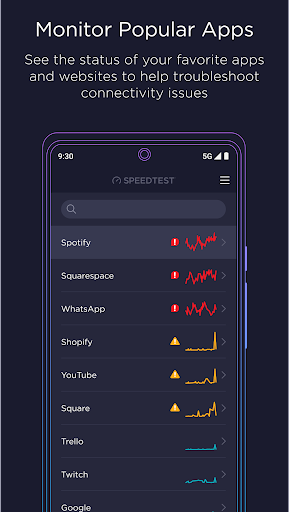
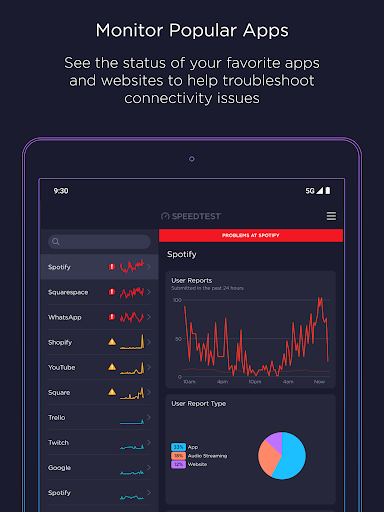
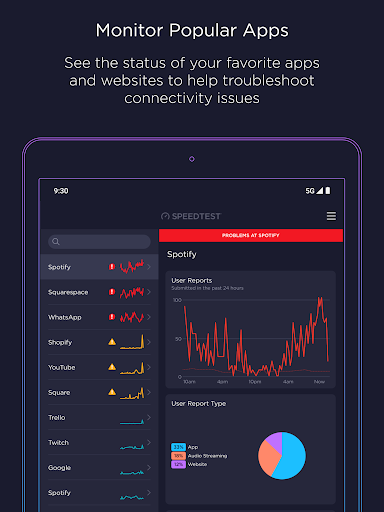
2. Real-Time Monitoring: The integration of Downdetector allows users to receive live updates on the status of their favorite online services and applications. This feature is invaluable for troubleshooting connectivity issues and understanding service disruptions.
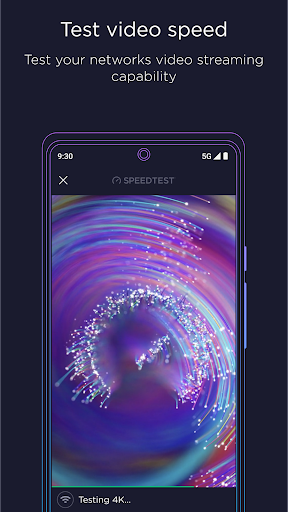
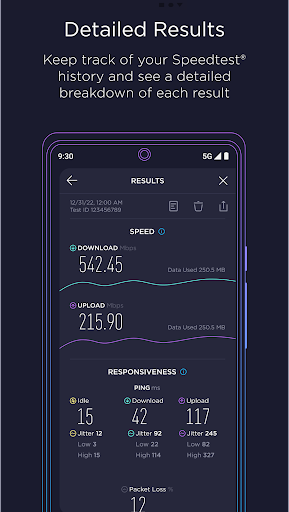
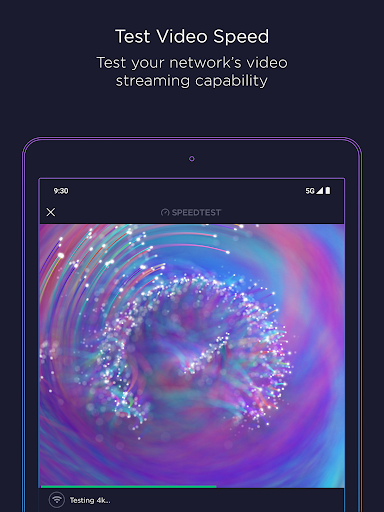
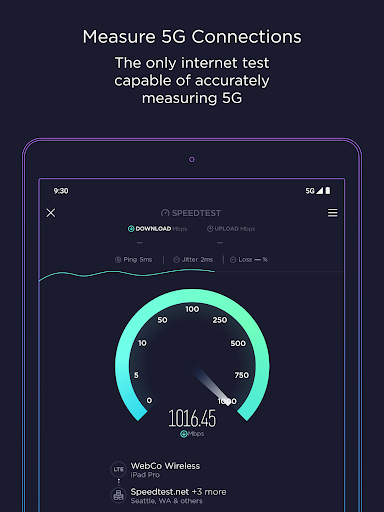
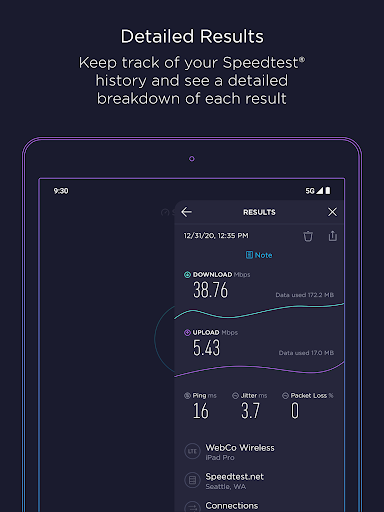
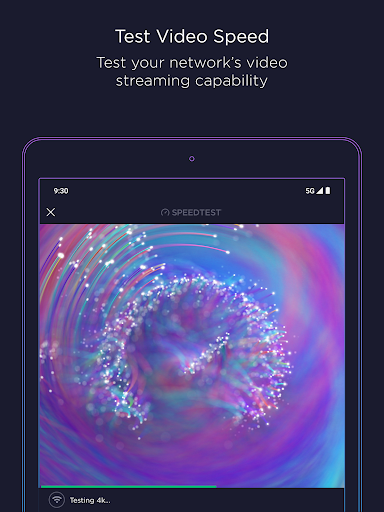
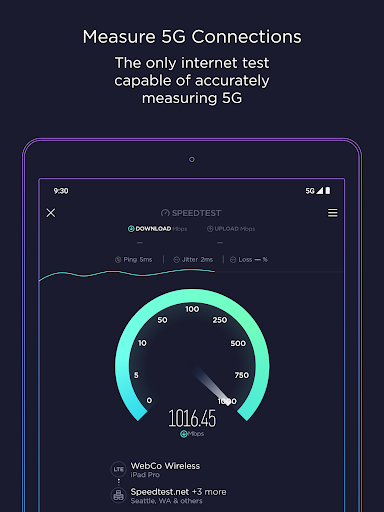
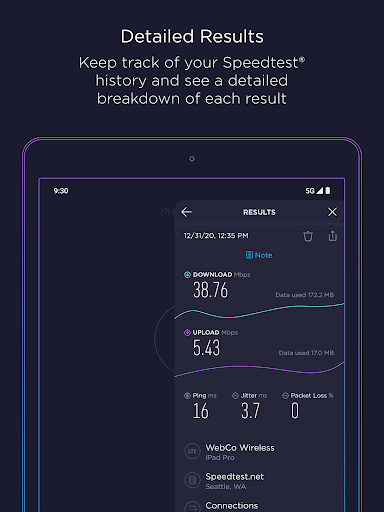
3. Comprehensive Testing Options: The app provides a range of testing functionalities, including download and upload speed checks, latency measurements, and video quality assessments. These features enable users to obtain a thorough understanding of their internet performance.
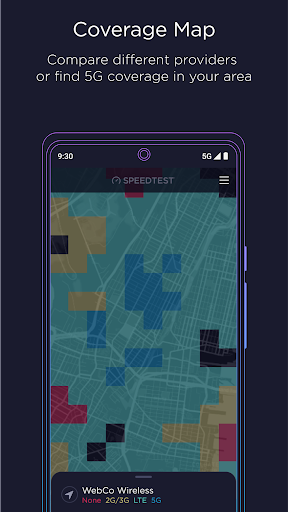
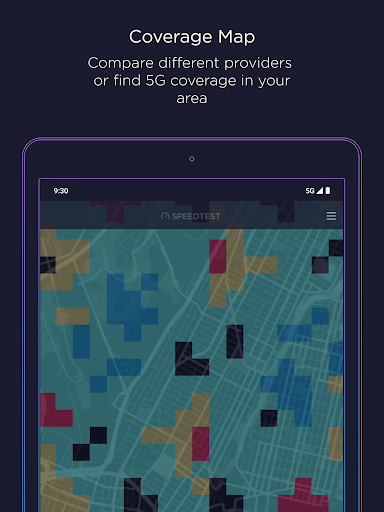
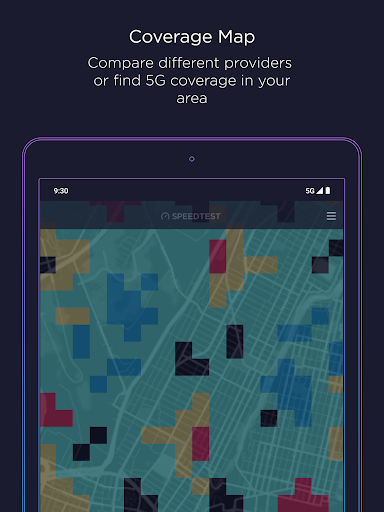
4. Global Coverage Maps: The Speedtest by Ookla APK includes maps that display real-world mobile carrier coverage. Users can review these maps to identify areas of strong and weak coverage, ensuring they have optimal connectivity in their location.
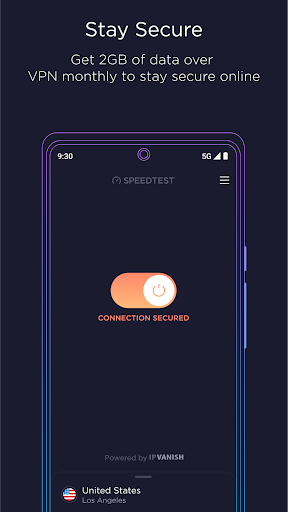
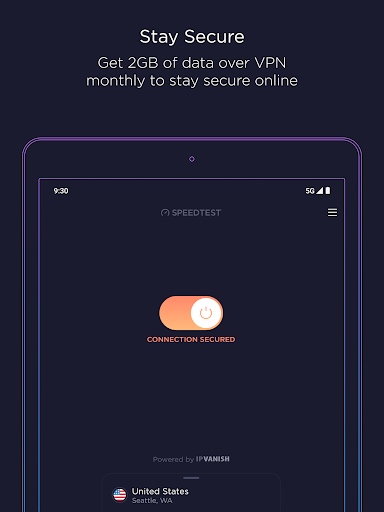
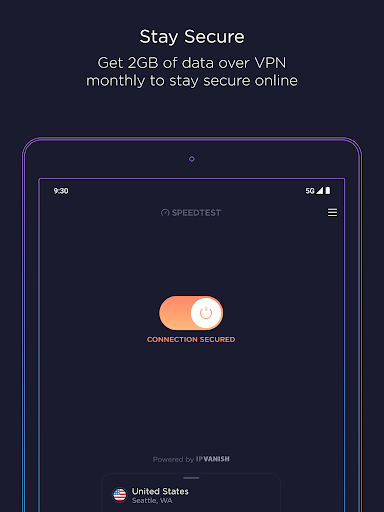
5. Speedtest VPN: The addition of Speedtest VPN further enhances user security by providing a safe and private online experience. With up to 2GB of free monthly data and unlimited usage for premium subscribers, users can securely access the internet without sacrificing speed.
1. Ads in the Free Version: While the free Speedtest by Ookla app is a powerful tool, it includes advertisements that can disrupt the user experience. Users seeking an ad-free experience must subscribe to the premium version, which might deter some.
2. Limited Features Without Premium Subscription: Certain features, such as unlimited use of Speedtest VPN, are exclusive to premium users. This limitation may frustrate those who rely on the app for comprehensive functionality without wanting to pay for the service.
3. Data Usage Concerns: For users on limited mobile plans, the Speedtest by Ookla installation and usage can consume data quickly, particularly while testing video quality or utilizing VPN features. This aspect may lead to additional charges if users are not careful.
1. Integration of Downdetector: The latest update has seen the successful integration of Downdetector within the app. This feature enables users to monitor real-time connectivity issues related to their favorite services directly through the Speedtest by Ookla app.
2. Enhanced Reporting Tools: Recent updates have improved the reporting capabilities, allowing users to report connectivity problems more efficiently. This makes it easier to track and share issues with service providers.
3. Updated Coverage Maps: The Speedtest by Ookla app now features refined coverage maps that provide more accurate and detailed information on mobile network performance, including enhanced visualizations for 5G availability in various regions.
Getting started with the Speedtest by Ookla app is a straightforward process. First, users can download Speedtest by Ookla from the App Store or Google Play Store, ensuring they install the correct version for their device. After installation, new users will need to create an account for personalized features or simply login Speedtest by Ookla for quick access to speed tests. Once logged in, users can familiarize themselves with the main dashboard, where the 'Go' button allows for immediate speed testing.
To perform a test, simply tap the button, and within seconds, the app will gauge and display download and upload speeds, along with latency measures. Users can also explore additional features like the Speedtest Maps tab to locate weaknesses in their mobile network or utilize the video test for streaming capabilities. By using the app regularly, users can track changes in internet performance over time, assisting in decision-making for their connectivity needs.
Feedback from users of the Speedtest by Ookla app has been overwhelmingly positive, with many praising its accuracy and reliability. Users appreciate its ability to provide a quick snapshot of internet performance, especially during critical tasks such as gaming or streaming. The seamless integration of Downdetector has been highlighted as a major advantage, enabling users to stay informed about potential service disruptions without having to rely on external resources.
Others have commented on the utility of the Speedtest Maps feature, noting that it has helped them identify areas with weak cellular coverage, leading to more informed decisions regarding network providers. However, some users have expressed dissatisfaction over the ads present in the free version, advocating for a more balanced experience. Overall, the Speedtest by Ookla app is commended for its comprehensive suite of features catering to both casual users and serious tech enthusiasts, affirming its status as a leading tool in the arena of internet speed testing.
With millions trusting the Speedtest by Ookla for their internet assessments, downloading this app is a step towards staying informed and connected in today's digital world. Whether users need quick performance checks or deeper insights into their connectivity, the Speedtest by Ookla app remains a formidable choice.
ADVERTISEMENT


Welcome to OkayParks - your go-to destination for downloading the latest and most popular Android apps. Our mission is to provide a safe, reliable, and user-friendly platform for Android users to discover and download the best apps.
At OkayParks, our top priority is to deliver top-notch content that is relevant to our users. Our team of experts carefully selects and reviews each app before it is available for download on our platform. We also regularly update our app library to ensure our users can access the latest versions of their favorite apps.
At OkayParks, we provide a wide range of high-quality apps that cater to all your needs. Our platform is continuously updated with the latest and hot apps, ensuring users can access the most up-to-date apps.
We prioritize providing a seamless and hassle-free app download experience. Our website is easy to navigate, and our download process is quick and secure.
Thank you for choosing OkayParks as your trusted source for Android apps. We hope you enjoy using our platform and welcome your feedback and suggestions.


